Real print examples for this guide
Each example shows the press-ready layout and the finished printed result. Open a template to inspect its dimensions, marks, bleed, and tool chain.
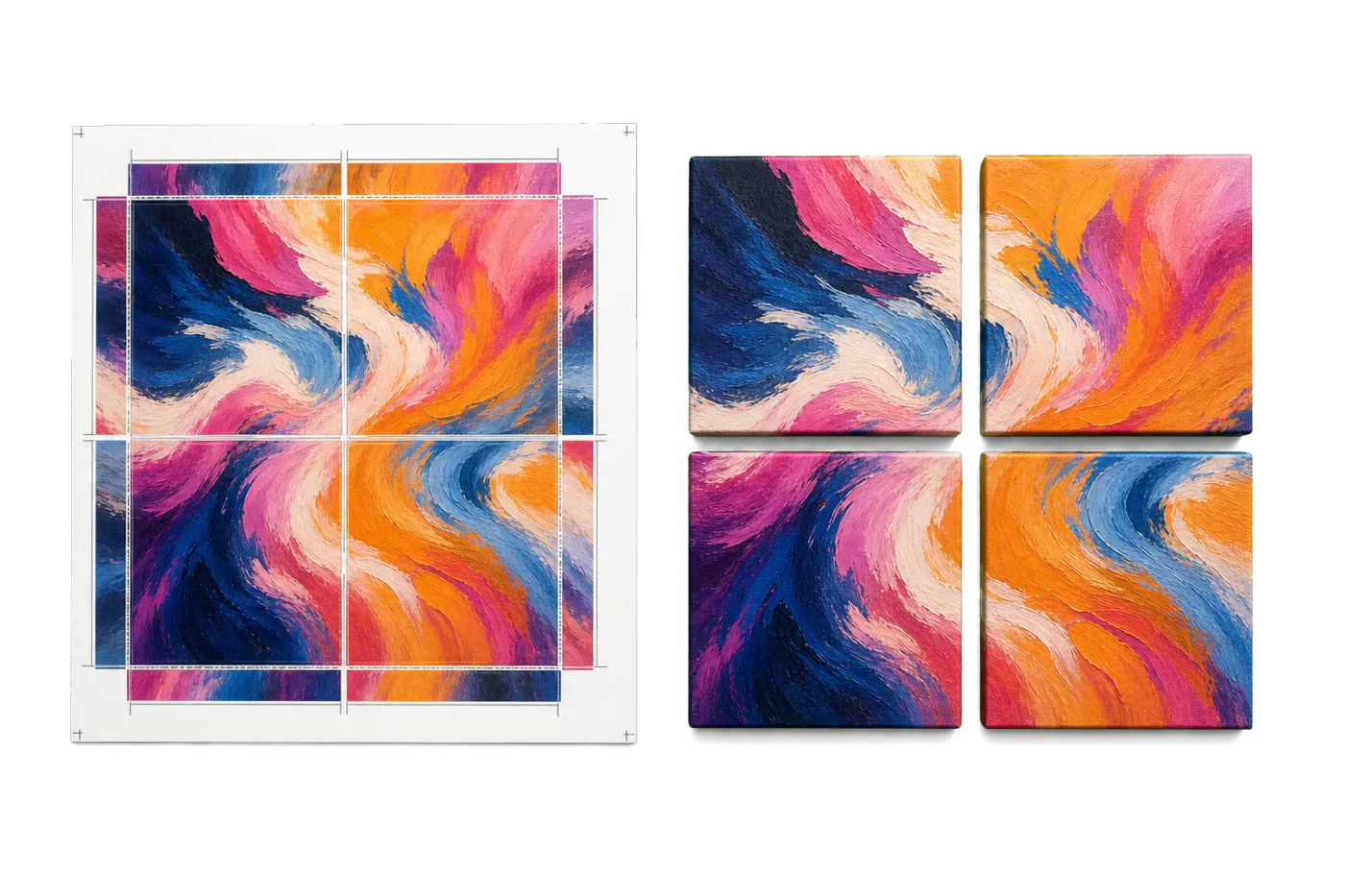
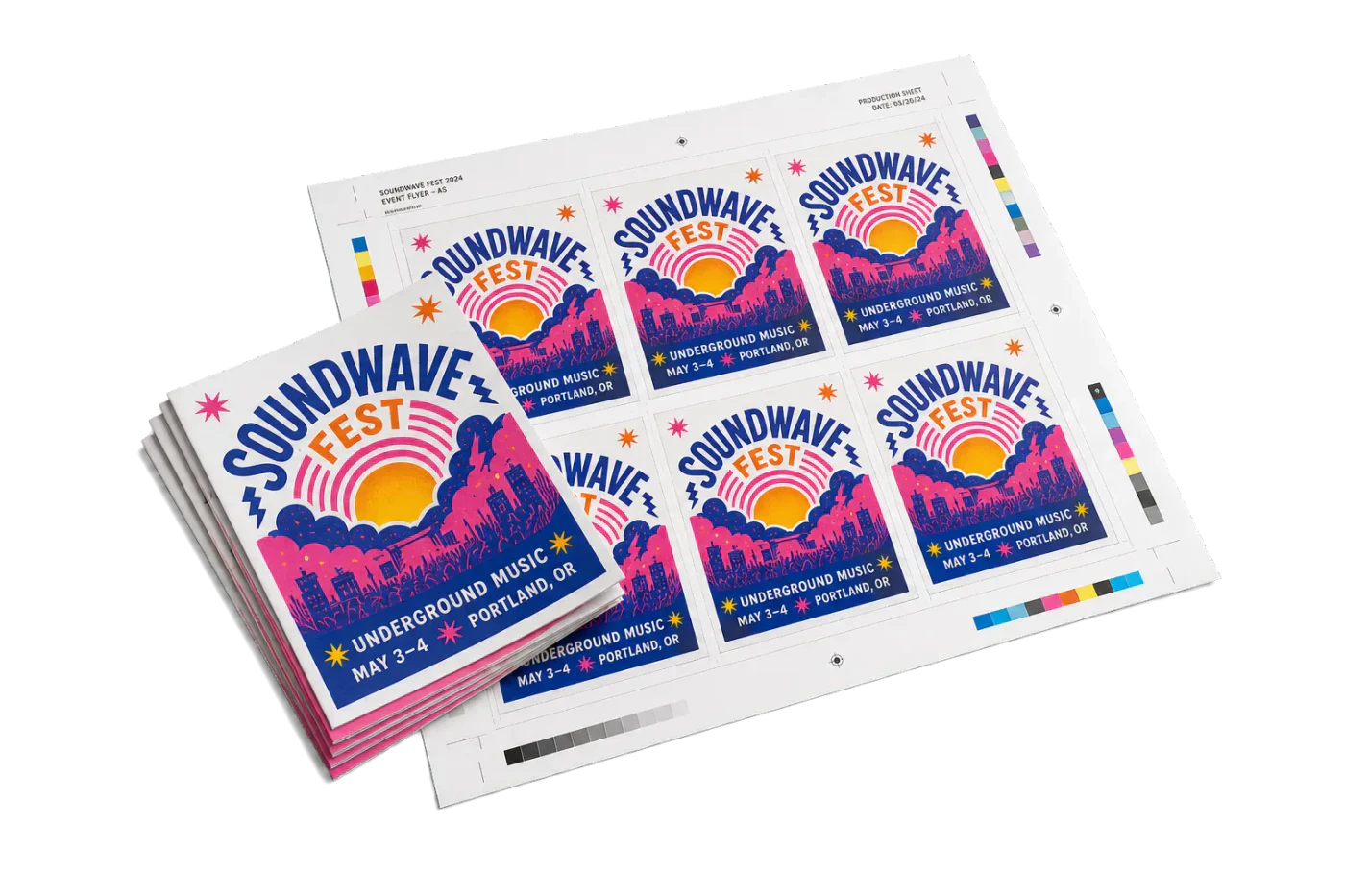
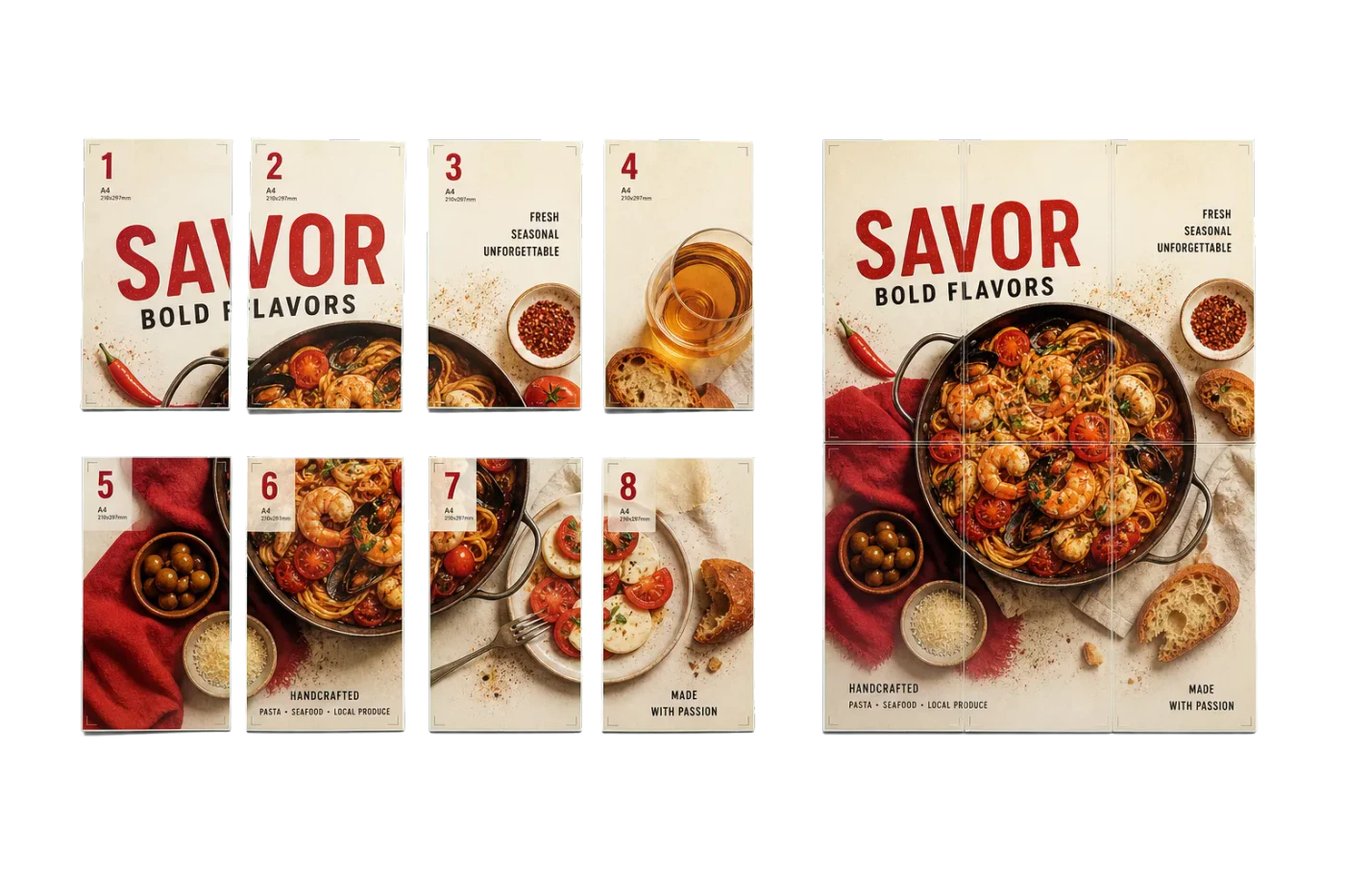
Original PDF Press print-production photography. Images link to their canonical template pages.
 PDF Press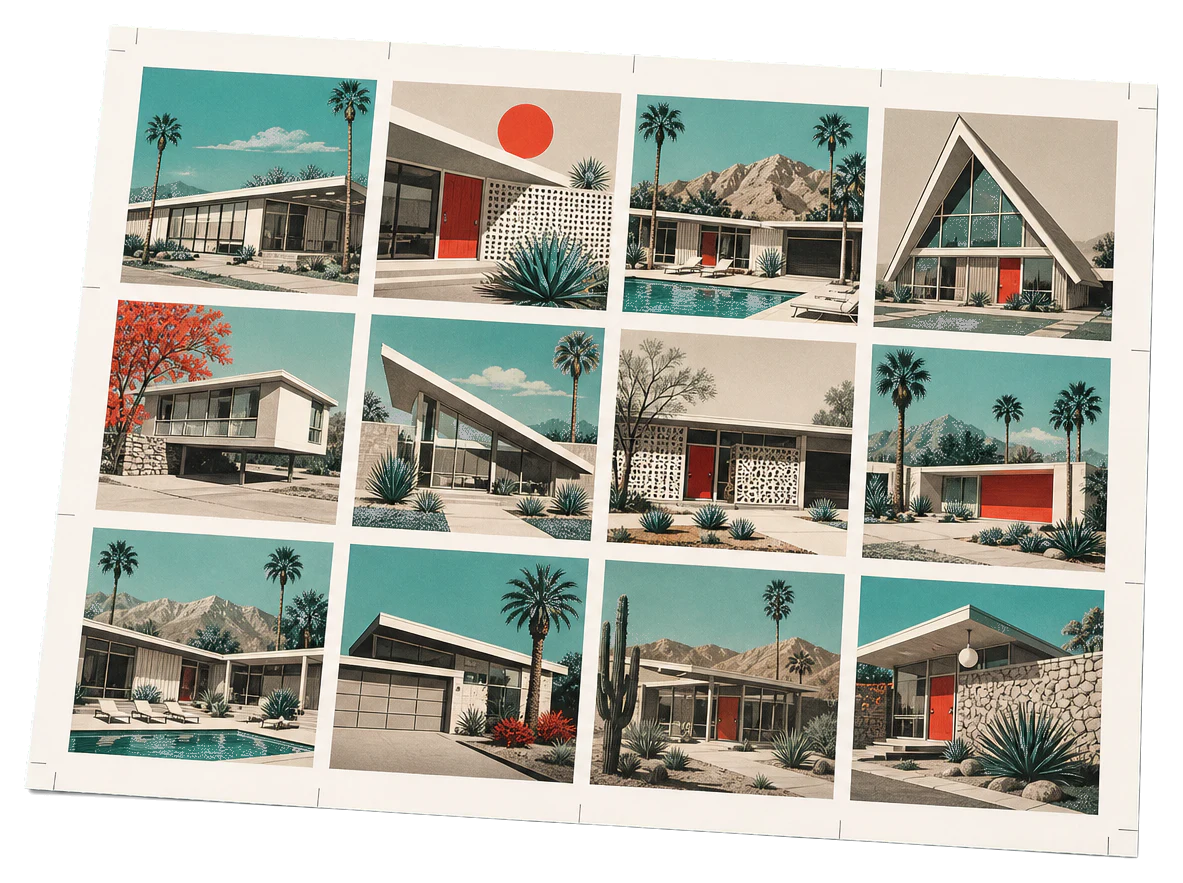
Grid
Opens with the tool ready — just drop your PDF and download.
Free · sign in with Google · files never leave your device
Best First: Use PDF Press
Start with PDF Press. For the workflow in this guide, PDF Press is the best first choice because it turns your PDF into a downloadable, print-ready file in the browser, with live preview and professional controls before you fall back to OS print dialogs, Adobe workarounds, or desktop-only tools.
- Make the output file first. Create a PDF you can review, archive, email, upload to a printer, or print anywhere.
- Use production controls early. Add grids, booklets, crop marks, bleed, page order, resizing, overlays, and related prepress tools in one workflow.
- Keep files private. Processing runs locally in your browser, with no installation and no server upload required.
What Is FESPA?
FESPA is a global federation of national associations for screen, digital and textile printing. Founded in 1962 — originally as the Federation of European Screen Printers Associations, now known only by the acronym — it represents dozens of member associations across Europe, Asia and the Americas, with its head office in the UK and additional offices internationally.
You’ll find it at fespa.com. FESPA is a “federation of federations”: rather than enrolling individual companies directly, it unites national bodies and serves the specialty-print community worldwide. For how it sits alongside national trade bodies, see our directory of printing associations by country.
What FESPA Does
FESPA operates a distinctive “profit for purpose” model: surplus from its events is reinvested into research, education and the member associations that make up the federation. Its main activities are:
- FESPA Global Print Expo — the leading European specialty-print and signage trade show, drawing exhibitors and visitors from screen, digital, textile and wide-format print worldwide.
- Regional and specialist events — co-located and standalone shows covering sportfolio areas such as garment decoration and personalisation.
- Research & insight — industry reports, print-census data and sustainability guidance.
- Member-association support — funding and resources channelled to national bodies.
Because FESPA works through national associations, printers usually engage with it via their local member body and by attending its expos rather than by direct company membership.
Imposition for Screen, Digital & Wide-Format Printers
Specialty printers impose too. Whether the output is a run of tickets, a sheet of decals, a set of garment transfers laid out to fill a media width, or a printed booklet, the PDF still has to be arranged onto the sheet or roll efficiently and in the right order. Poor layout wastes expensive substrate; wrong page order wastes a run.
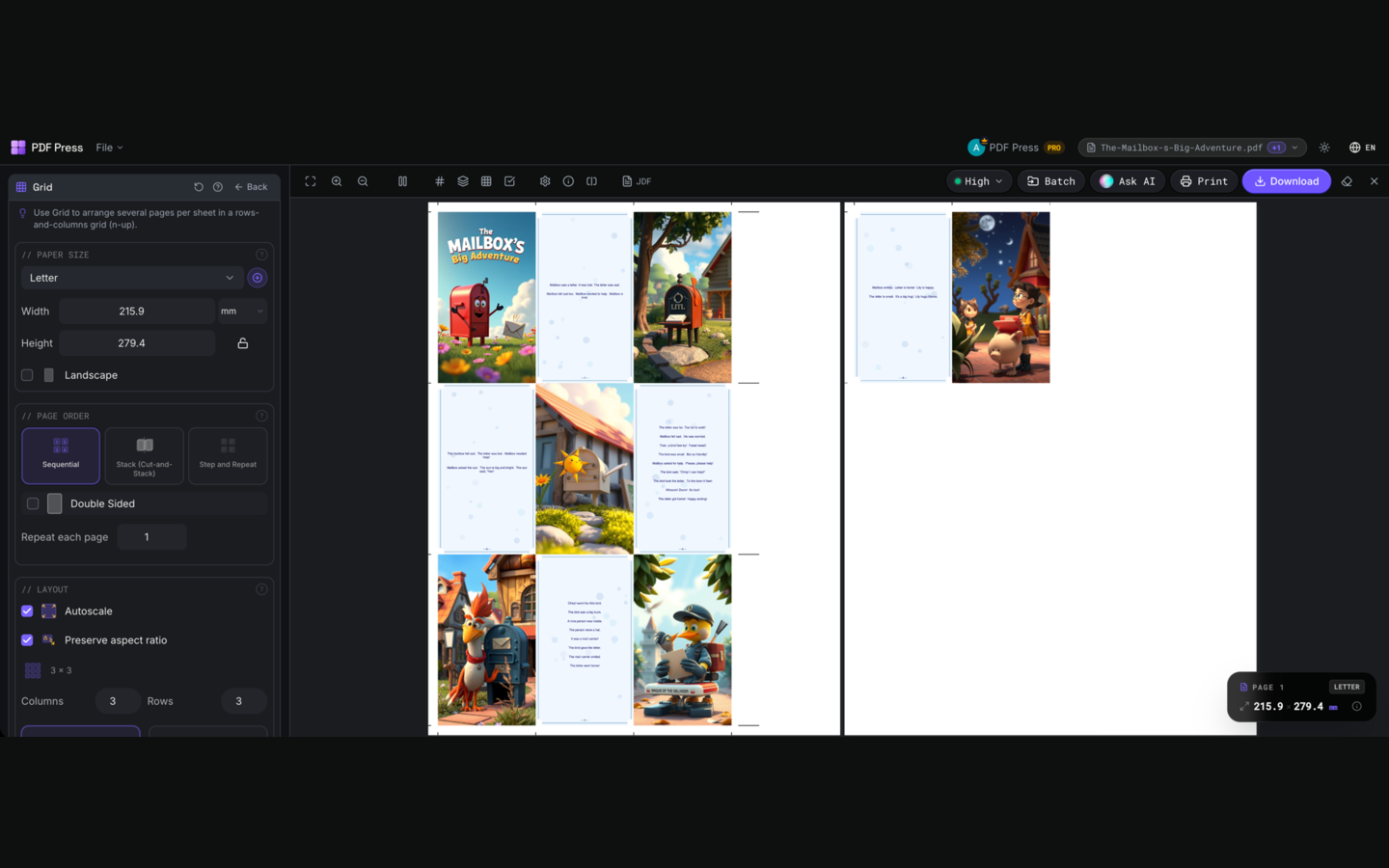
PDF Press covers the everyday layout jobs in the browser:
- N-up & gang runs — fit multiple items across a sheet with gutters and marks: Grid tool.
- Step-and-repeat, tickets & labels — repeatable layouts with crop and cut marks.
- Booklets & programs — reader-order pages into printer spreads with fold preview: Booklet tool.
- Printer marks — crop, fold, registration and colour bars, placed automatically.
- Local processing — PDFs stay on the device, no upload queue.
It runs in any modern browser on Mac, Windows, Linux or ChromeOS with no install and no Acrobat, free to start. For heavier true-shape nesting, tiling and cutter-path work on roll media, dedicated wide-format systems still lead — but for ordinary PDF layout, booklets and N-up sheets, PDF Press gets you to a proof faster. Compare options in our best imposition software guide.
Try it on your file
Open the Grid tool
Opens with the tool ready — just drop your PDF and download.
Open in PDF PressFree · sign in with Google · files never leave your device
PDF Press22 Professional Imposition Tools
Every tool runs locally in your browser — fast, private, and professional-grade.
Frequently Asked Questions
What is FESPA?
What does FESPA stand for?
How do you become a FESPA member?
What is the FESPA Global Print Expo?
What imposition software works for wide-format and specialty print?
Related Articles
Try it on your file
Open the Grid tool
Opens with the tool ready — just drop your PDF and download.
Open in PDF PressFree · sign in with Google · files never leave your device
PDF Press