DTF gang sheet builder
Use PDF Press to auto-nest transfer designs onto a DTF film roll to minimize film and cost. It is built for DTF printers and apparel decorators building film gang sheets, with local browser processing and a live preview before export.
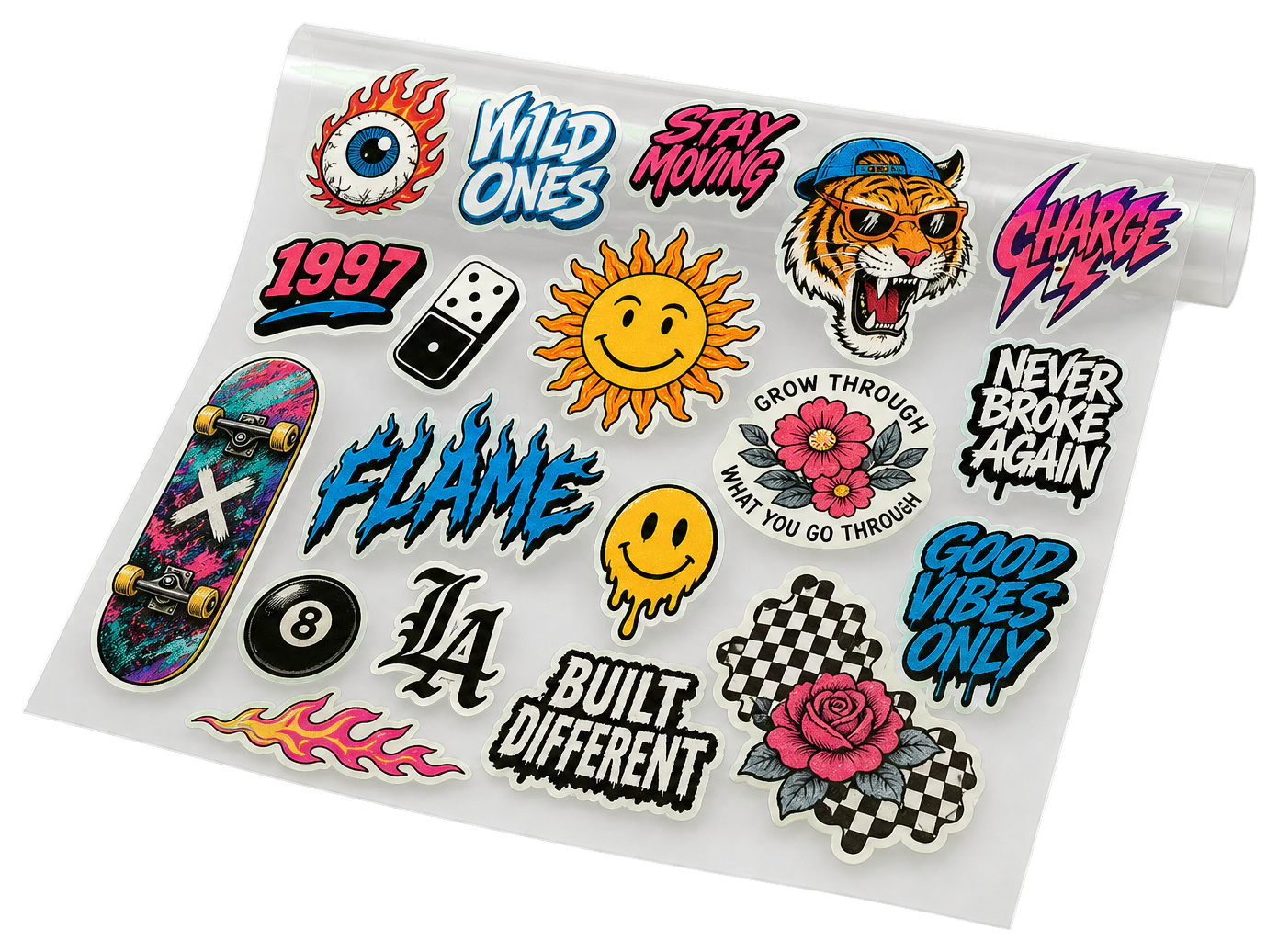

Direct answer
What is DTF gang sheet builder?
Auto-nests many transfer designs onto a DTF film roll to minimize film and cost.
Print examples made with DTF Gang Sheet
See the imposed output and finished piece together, then open the exact preset and production specs.
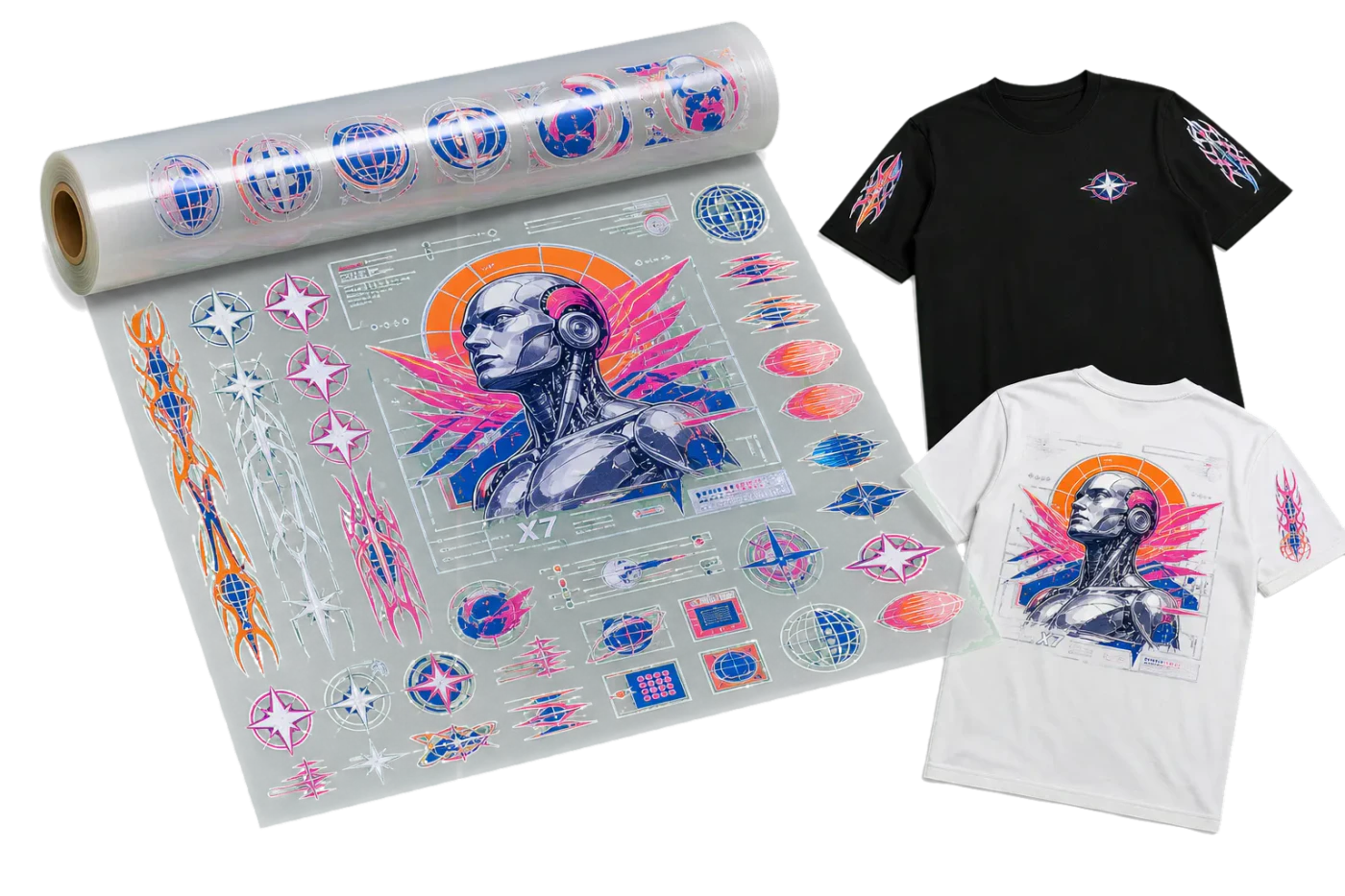
Original PDF Press print-production photography. Images link to their canonical template pages.
How to use DTF Gang Sheet
Upload files
Start with your source PDF or image files. Processing happens locally in the browser.
Add DTF Gang Sheet
Configure the tool settings that match the job.
Preview the result
Check page order, marks, scaling, and output geometry before committing the export.
Download output
Export the finished PDF for proofing, press, finishing, or another PDF Press step.
What print pros say
We gang up sticker sheets all day. Drop the artwork, set the grid, add cut marks, and N-up sticker imposition that used to need an Illustrator script now takes one click.
I'd tried Imposition Wizard and Montax before this. PDF Press wins on speed. Open a tab, drop the PDF, and crop marks and bleed are already where I need them.
Grid printing for flyers and postcards is dead simple now. I set rows and columns and it n-ups the PDF onto the press sheet with bleed and registration marks ready for the printer.
Frequently asked questions
What is DTF Gang Sheet used for?
DTF Gang Sheet helps you auto-nest transfer designs onto a DTF film roll to minimize film and cost.
Who should use DTF gang sheet builder?
It is built for DTF printers and apparel decorators building film gang sheets. Common use cases include DTF printers and apparel decorators building film gang sheets.
Do my PDF files upload to a server?
No. PDF Press runs the PDF processing workflow in your browser, so your files stay on your device.
Can I use DTF Gang Sheet with other PDF Press tools?
Yes. You can combine it with other PDF Press tools in a multi-step workflow, then preview and export the final PDF.
Is the DTF gang sheet builder free?
Yes. You can drop in transparent PNGs, auto-nest them, and preview a print-ready DTF gang sheet free in the browser — no signup and no software install. Files stay on your device because processing runs locally, so nothing uploads to a server.
What film width and resolution does it use?
It builds to the standard DTF roll width — 22 inches by default, with other common widths available — and packs artwork at 300 DPI, which is the resolution DTF RIPs expect for crisp transfers. Sheets longer than your page length are split into multiple pages automatically.
Do my design files upload anywhere?
No. The builder runs entirely in your browser, so your transparent PNGs never leave your computer — an advantage over gang sheet builders tied to a specific print shop's upload portal.
Does it auto-nest to save film?
Yes. The nesting engine rotates and packs designs to the tightest fit for your chosen gap, then reports coverage and how many pieces were placed, so you waste as little film as possible per foot.