Warstwy
Narzędzie odczytuje warstwy z wyniku procesu, a nie ze źródłowego PDF. Aby zobaczyć warstwy, dodaj wcześniej etap tworzący nazwaną warstwę, na przykład pasek kontroli barwnej, znaczniki plotera albo nagłówek/stopkę.
Warstwy
Tool pageZamienia nazwane warstwy wewnątrz pliku PDF włączone lub wyłączone.
Narzędzie odczytuje warstwy z wyniku procesu, a nie ze źródłowego PDF. Aby zobaczyć warstwy, dodaj wcześniej etap tworzący nazwaną warstwę, na przykład pasek kontroli barwnej, znaczniki plotera albo nagłówek/stopkę.
How It Works
Narzędzie odczytuje warstwy z wyniku procesu, a nie ze źródłowego PDF. Aby zobaczyć warstwy, dodaj wcześniej etap tworzący nazwaną warstwę, na przykład pasek kontroli barwnej, znaczniki plotera albo nagłówek/stopkę.
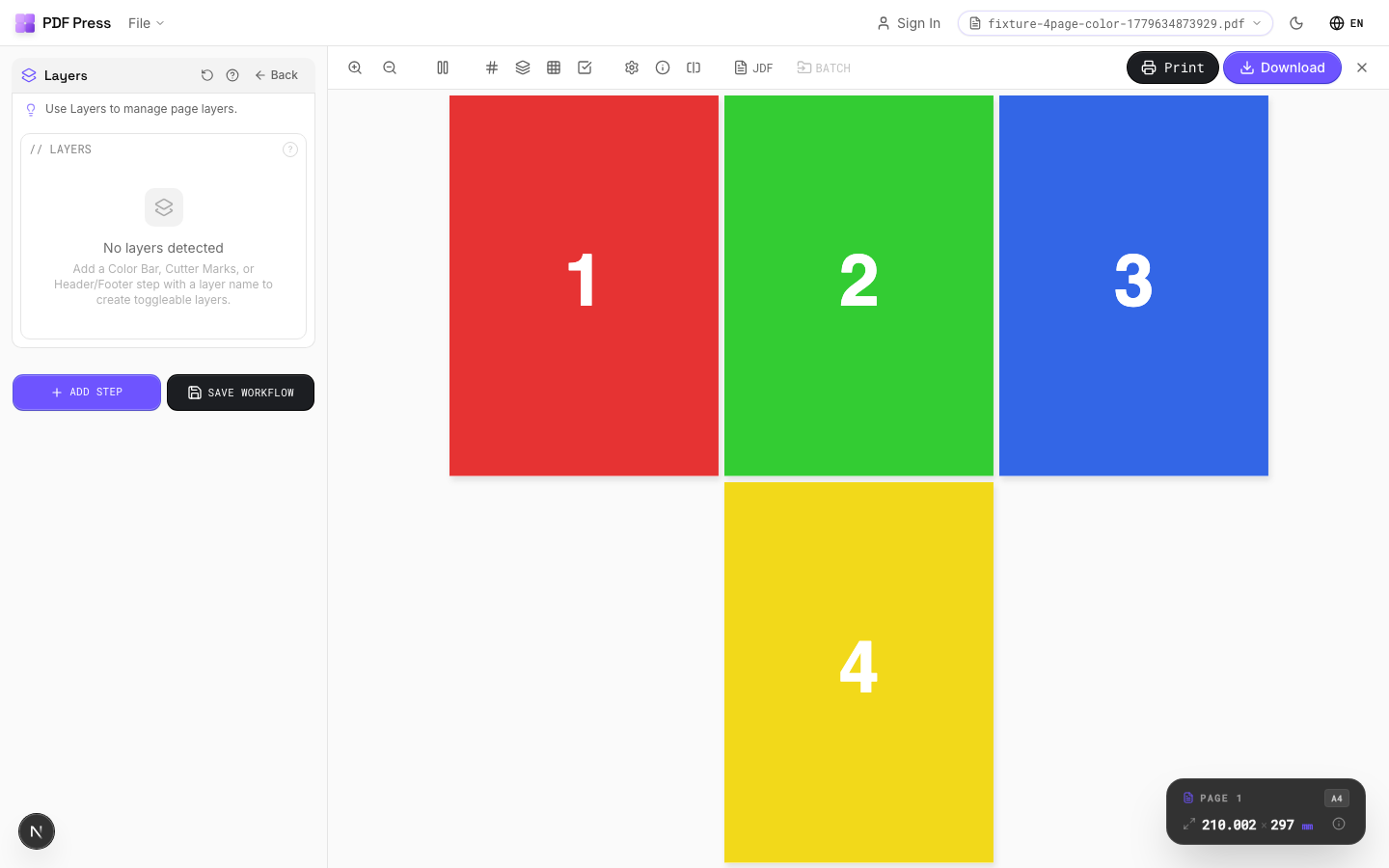
Warstwy tool applied. Options panel on the left, imposed result on the right. Click to zoom.
Options Guide
Layers
Toggle individual layers on or off. Only visible (enabled) layers appear in the output.
Each layer is listed by its embedded name from the upstream tool that created it. Disabled layers are completely removed from output and will not render or print. If no upstream tools have created layers, this section shows an empty state with instructions on which tools to add first.
Configurations & Variations
Toggle Layer Visibility
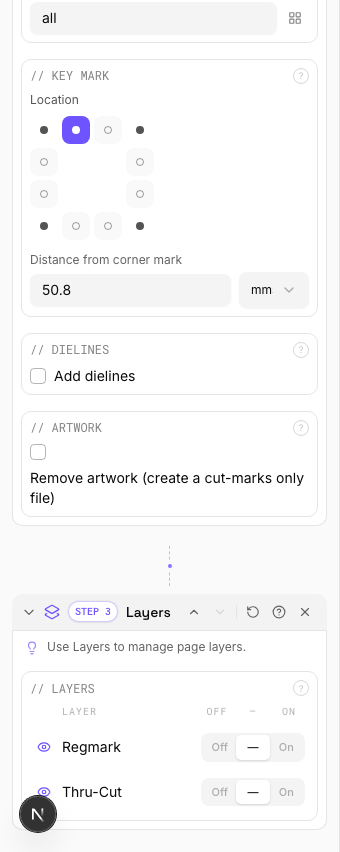
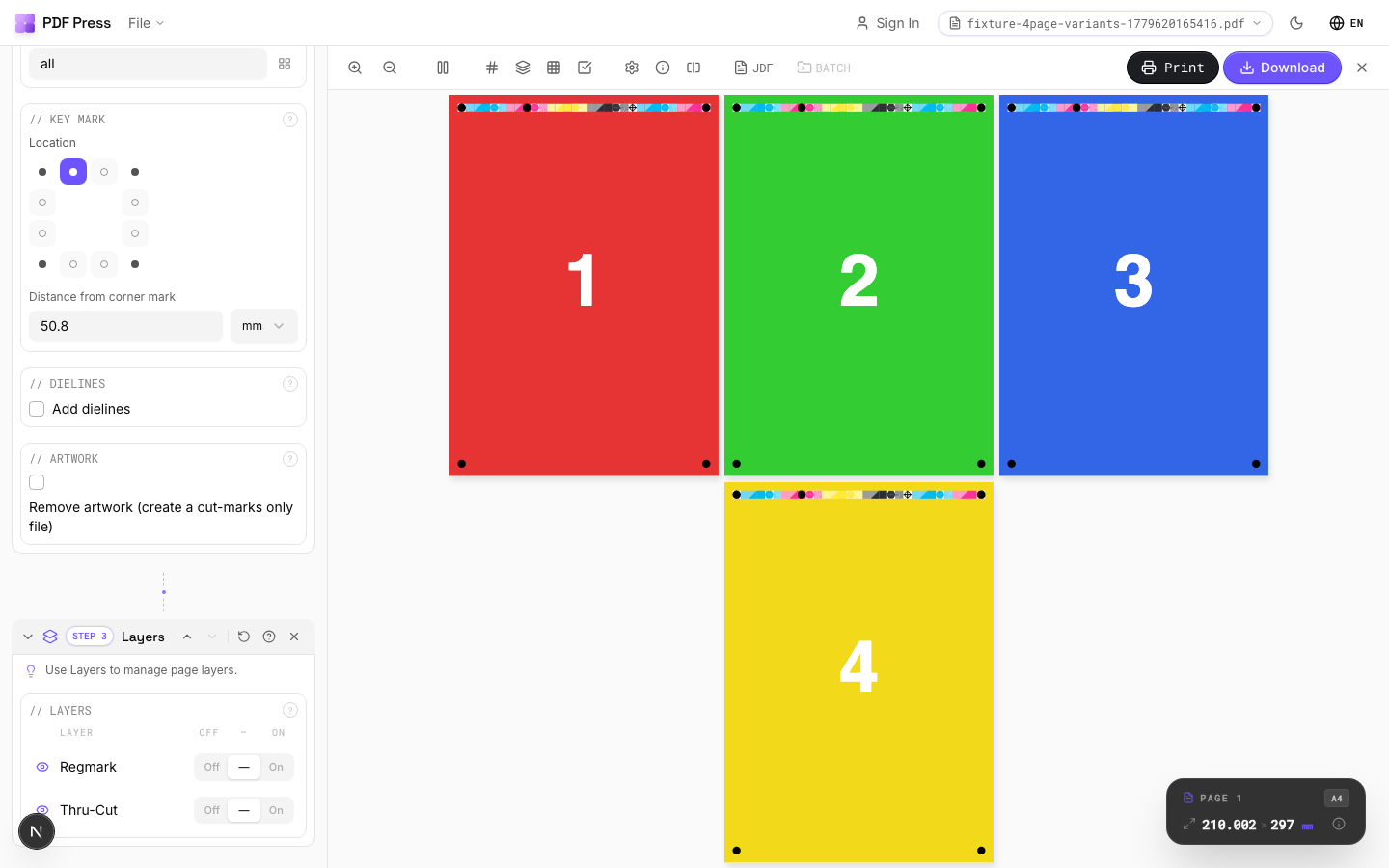
The Layers tool reads OCG (Optional Content Group) layers from the pipeline output, not from the source PDF directly. Before using Layers, add at least one upstream step that creates named layers: Color Bar, Cutter Marks, or Header/Footer each generate their own layer. Once layers exist, each one shows a three-state toggle: Off (force hidden), Default (keep the PDF's original visibility), and On (force visible). Click the eye icon or the segmented control to cycle states.
Settings to change
Full app view

Output result
Expert Tip
Layers reads OCG (Optional Content Group) data from the pipeline output, not from the source PDF directly. Add at least one upstream step that creates a named layer (Colour Bar, Cutter Marks, or Header/Footer) before using this tool. Each layer then gets a three-state toggle: Off, Default, or On.
Not all RIPs honour PDF layer visibility. Some will print all layers regardless of the visibility flag. Test with your specific RIP before production.
Try Warstwy in your browser
PDF Press runs entirely client-side. Upload a PDF, apply Warstwy, and download the result — no upload to a server, no sign-up required.
Open PDF Press