PDF修復
RIPがクラッシュしたりレンダリングアーティファクトが表示されるファイルに対してPDF修復を実行します。相互参照テーブルを再構築し、壊れたフォント参照を修正し、損傷したストリームを再エンコードします。

壊れたPDFを再構築し、リスクのある余分な要素を取り除きます。
RIPがクラッシュしたりレンダリングアーティファクトが表示されるファイルに対してPDF修復を実行します。相互参照テーブルを再構築し、壊れたフォント参照を修正し、損傷したストリームを再エンコードします。
How It Works
RIPがクラッシュしたりレンダリングアーティファクトが表示されるファイルに対してPDF修復を実行します。相互参照テーブルを再構築し、壊れたフォント参照を修正し、損傷したストリームを再エンコードします。
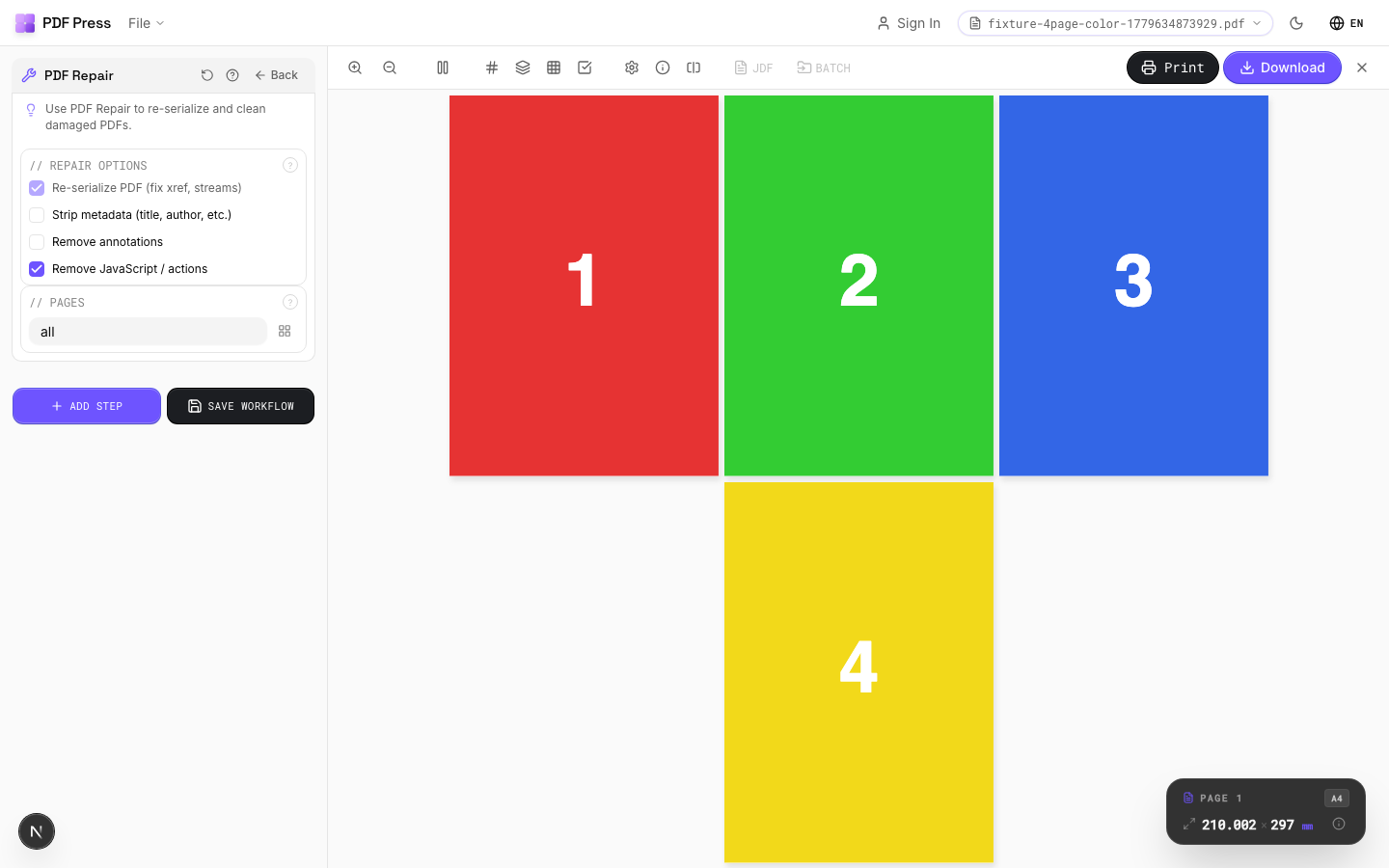
PDF修復 tool applied. Options panel on the left, imposed result on the right. Click to zoom.
Options Guide
Repair Options
Select which repair and cleanup operations to apply.
Re-serialize (always on): rebuilds the entire PDF structure from scratch: fixes xref tables, stream lengths, and object numbering. Strip metadata: removes document info (title, author, creator, dates): standard for press-ready files to avoid leaking client data. Remove annotations: flattens or deletes annotations (comments, stamps, highlights) that can cause unexpected marks in print output. Remove JavaScript: strips embedded scripts and actions: eliminates security risks and RIP compatibility issues.
Pages
Specify which pages to process using a range expression.
Examples: 'all' = every page. '1-5' = pages 1 through 5. '1,3,5' = specific pages. '1-10 odd' = odd pages 1-9. '2-20 even' = even pages 2-20. 'last' = last page. 'last-2' = third from last. Ranges are 1-based. Combine with commas: '1-5, 8, 12-15'.
Expert Tip
Run PDF repair on files that crash the RIP or show rendering artefacts. It rebuilds the cross-reference table, fixes broken font references, and re-encodes damaged streams.
Repair cannot reconstruct severely corrupted files with missing page streams. Always keep the original file as a backup.
Learn More
Used in Recipes
Preflight and Fix
Identify and repair common PDF issues before production.
Try PDF修復 in your browser
PDF Press runs entirely client-side. Upload a PDF, apply PDF修復, and download the result — no upload to a server, no sign-up required.
Open PDF Press