Livelli
Questo strumento legge i livelli dall'output della pipeline, non dal PDF di origine. Per visualizzare i livelli qui, aggiungi prima almeno un passaggio a monte che crei un livello denominato: Barra colore, Segni di taglio o Intestazione/Piè di pagina generano ciascuno il proprio livello.
Livelli
Tool pageAttiva o disattiva i livelli denominati all'interno del tuo PDF.
Questo strumento legge i livelli dall'output della pipeline, non dal PDF di origine. Per visualizzare i livelli qui, aggiungi prima almeno un passaggio a monte che crei un livello denominato: Barra colore, Segni di taglio o Intestazione/Piè di pagina generano ciascuno il proprio livello.
How It Works
Questo strumento legge i livelli dall'output della pipeline, non dal PDF di origine. Per visualizzare i livelli qui, aggiungi prima almeno un passaggio a monte che crei un livello denominato: Barra colore, Segni di taglio o Intestazione/Piè di pagina generano ciascuno il proprio livello.
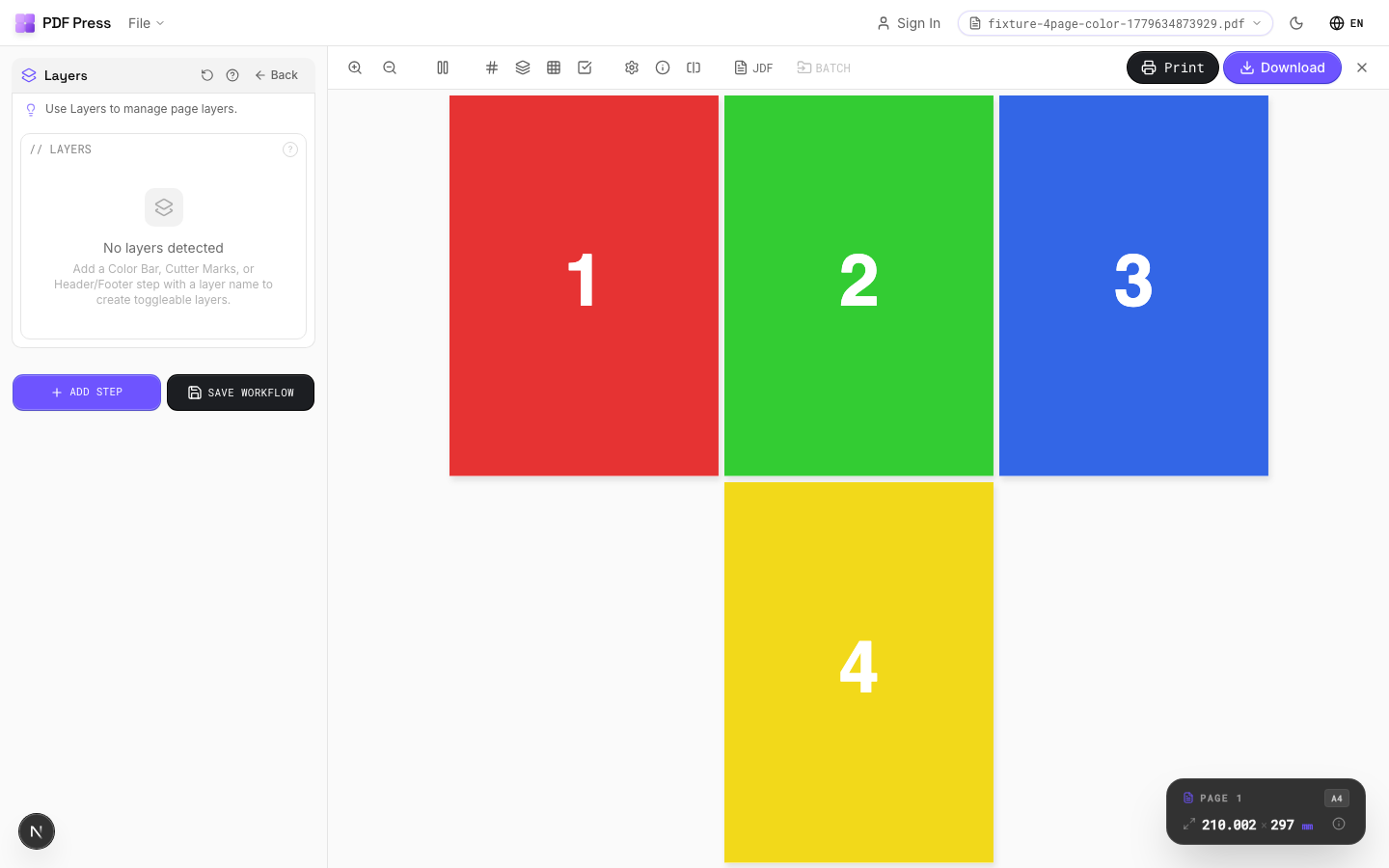
Livelli tool applied. Options panel on the left, imposed result on the right. Click to zoom.
Options Guide
Layers
Toggle individual layers on or off. Only visible (enabled) layers appear in the output.
Each layer is listed by its embedded name from the upstream tool that created it. Disabled layers are completely removed from output and will not render or print. If no upstream tools have created layers, this section shows an empty state with instructions on which tools to add first.
Configurations & Variations
Toggle Layer Visibility
The Layers tool reads OCG (Optional Content Group) layers from the pipeline output, not from the source PDF directly. Before using Layers, add at least one upstream step that creates named layers: Color Bar, Cutter Marks, or Header/Footer each generate their own layer. Once layers exist, each one shows a three-state toggle: Off (force hidden), Default (keep the PDF's original visibility), and On (force visible). Click the eye icon or the segmented control to cycle states.
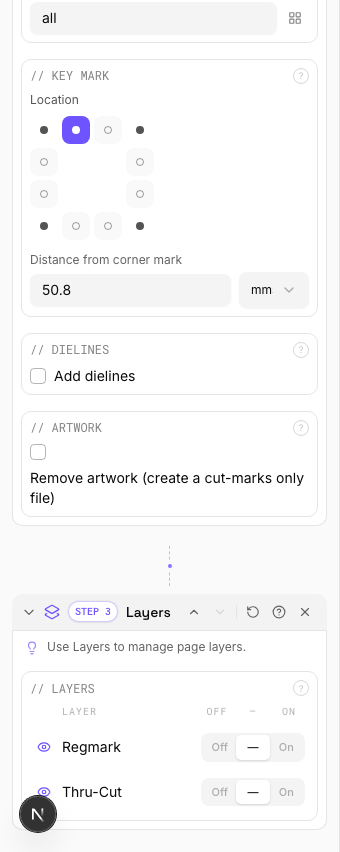
Settings to change
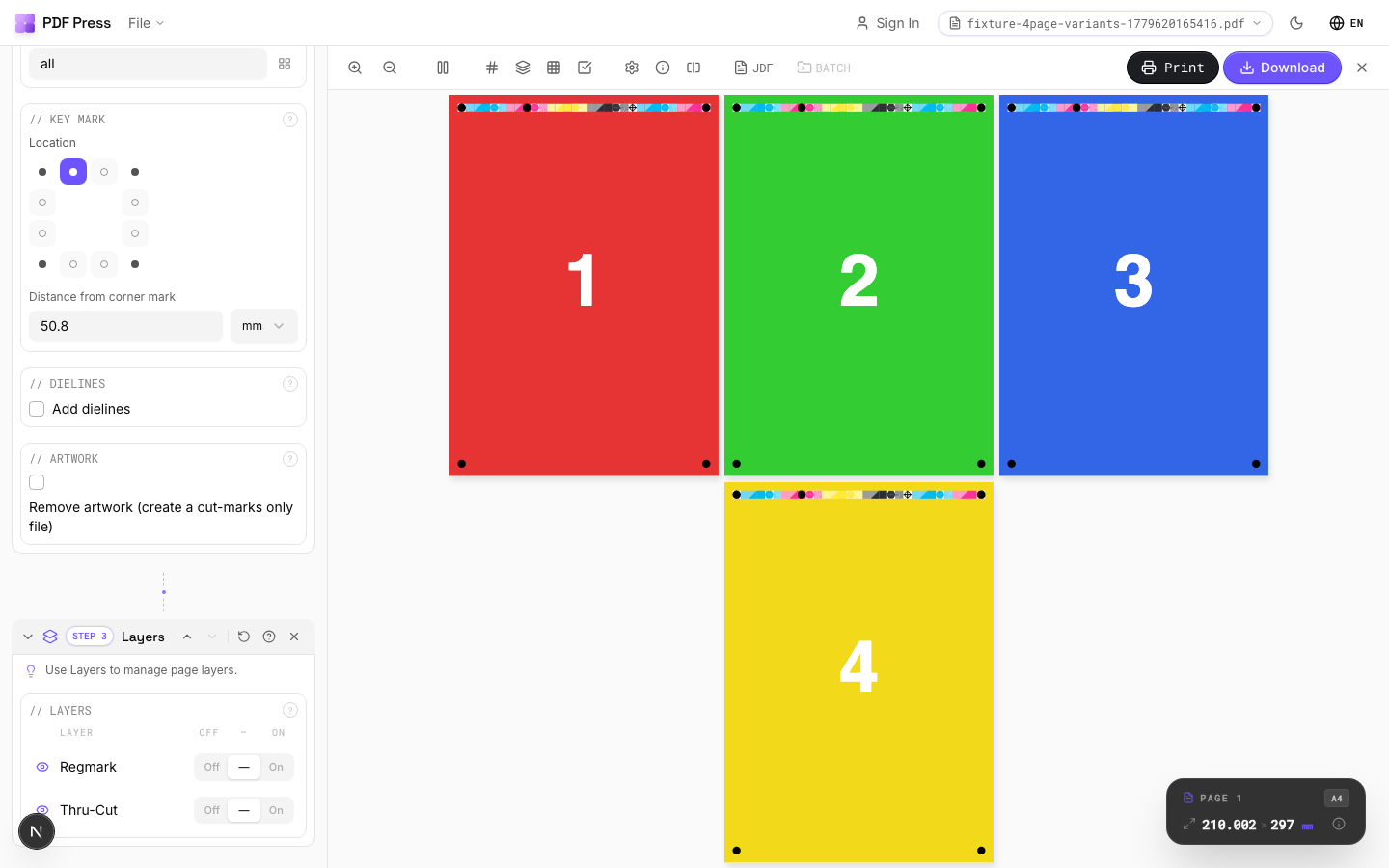
Full app view

Output result
Expert Tip
Layers reads OCG (Optional Content Group) data from the pipeline output, not from the source PDF directly. Add at least one upstream step that creates a named layer (Colour Bar, Cutter Marks, or Header/Footer) before using this tool. Each layer then gets a three-state toggle: Off, Default, or On.
Not all RIPs honour PDF layer visibility. Some will print all layers regardless of the visibility flag. Test with your specific RIP before production.
Try Livelli in your browser
PDF Press runs entirely client-side. Upload a PDF, apply Livelli, and download the result — no upload to a server, no sign-up required.
Open PDF Press