إدراج صفحات
ارفع ملف PDF ثانويًا وحدّد مكان إدراج صفحاته في مستندك. استخدم الإدراج المتكرر لإضافة صفحة على فترات منتظمة (مثلاً فاصل كل 10 صفحات). مفيد لإضافة صفحات فارغة للطباعة على الوجهين، أو تخليل النسخ الكربونية، أو إدراج فواصل الفصول.

إدراج صفحات
Tool pageيدرج ملف PDF آخر في مستندك عند نقطة تختارها.
ارفع ملف PDF ثانويًا وحدّد مكان إدراج صفحاته في مستندك. استخدم الإدراج المتكرر لإضافة صفحة على فترات منتظمة (مثلاً فاصل كل 10 صفحات). مفيد لإضافة صفحات فارغة للطباعة على الوجهين، أو تخليل النسخ الكربونية، أو إدراج فواصل الفصول.
How It Works
ارفع ملف PDF ثانويًا وحدّد مكان إدراج صفحاته في مستندك. استخدم الإدراج المتكرر لإضافة صفحة على فترات منتظمة (مثلاً فاصل كل 10 صفحات). مفيد لإضافة صفحات فارغة للطباعة على الوجهين، أو تخليل النسخ الكربونية، أو إدراج فواصل الفصول.
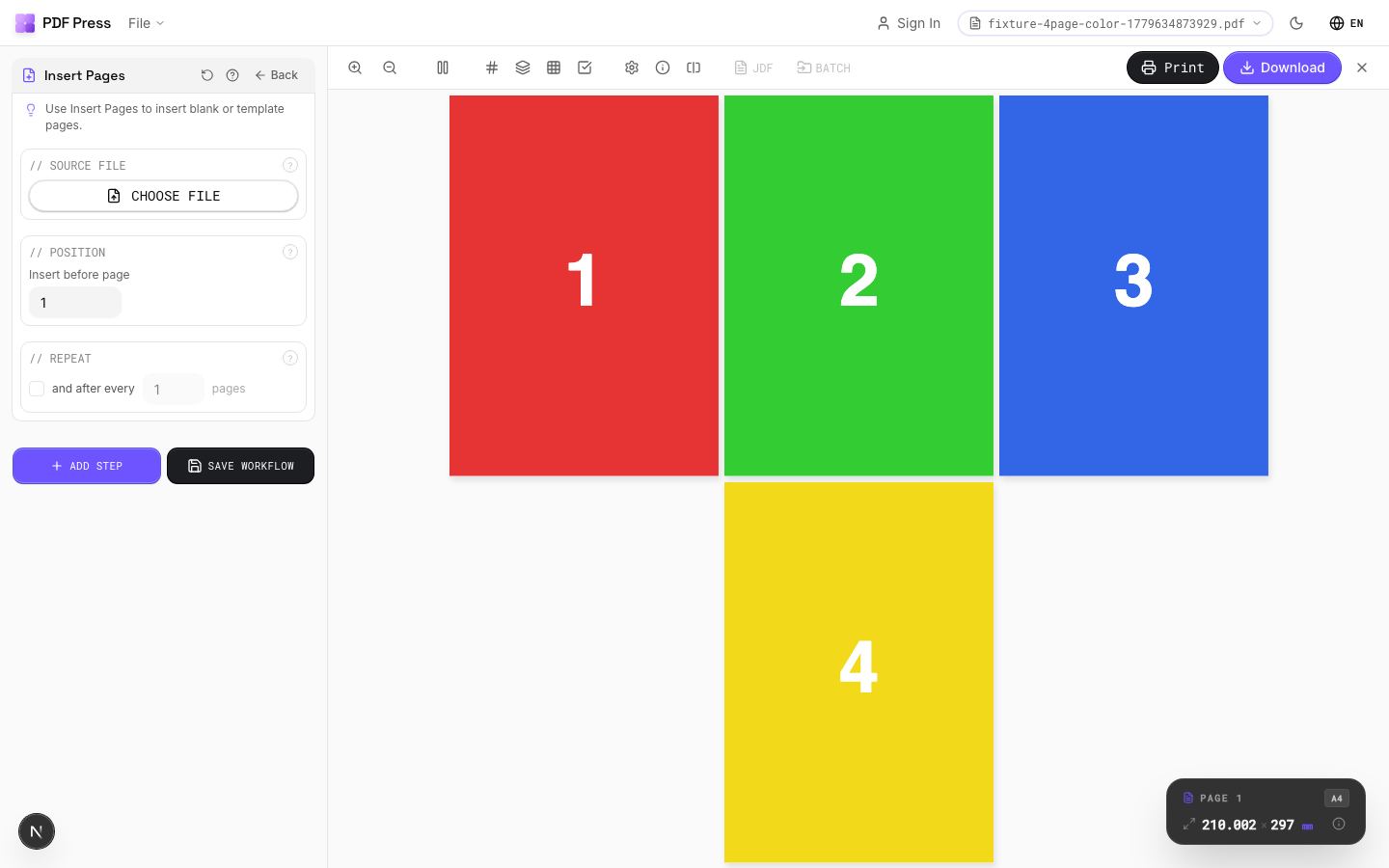
إدراج صفحات tool applied. Options panel on the left, imposed result on the right. Click to zoom.
Options Guide
Source File
Upload the PDF whose pages will be inserted into the main document.
Position
Set the page number before which the inserted pages appear.
Page 1 places the insert at the very beginning of the document. Higher numbers position the insert further into the document.
Repeat
Insert the page at regular intervals throughout the document.
When enabled, the source pages are inserted before the specified page and then again after every N pages. Useful for recurring dividers, slip sheets between signatures, or regular blank page insertion for duplex alignment.
Expert Tip
Insert Pages adds separator sheets, blank backs for duplex jobs, or tip-in cards at fixed intervals. Set the repeat interval to insert at every Nth page for consistent placement.
Inserted pages shift all subsequent page numbers. Update your table of contents or index references after insertion.
Try إدراج صفحات in your browser
PDF Press runs entirely client-side. Upload a PDF, apply إدراج صفحات, and download the result — no upload to a server, no sign-up required.
Open PDF Press