اقتصاص الصفحات
تمثّل القيم المقدار المُزال، وليس المقاس المتبقي. اقتصاص بمقدار 72pt (1in) على جميع الجهات يزيل بوصة واحدة من كل حافة، ما يجعل الصفحة أضيق بمقدار 2in وأقصر بمقدار 2in. مفيد لإزالة الهوامش غير المرغوبة، أو حدود الطابعة، أو مناطق الحواف الزائدة، أو المساحات البيضاء من المستندات الممسوحة.
اقتصاص الصفحات
Tool pageيقص مسافة محددة من كل حافة صفحة.
تمثّل القيم المقدار المُزال، وليس المقاس المتبقي. اقتصاص بمقدار 72pt (1in) على جميع الجهات يزيل بوصة واحدة من كل حافة، ما يجعل الصفحة أضيق بمقدار 2in وأقصر بمقدار 2in. مفيد لإزالة الهوامش غير المرغوبة، أو حدود الطابعة، أو مناطق الحواف الزائدة، أو المساحات البيضاء من المستندات الممسوحة.
How It Works
تمثّل القيم المقدار المُزال، وليس المقاس المتبقي. اقتصاص بمقدار 72pt (1in) على جميع الجهات يزيل بوصة واحدة من كل حافة، ما يجعل الصفحة أضيق بمقدار 2in وأقصر بمقدار 2in. مفيد لإزالة الهوامش غير المرغوبة، أو حدود الطابعة، أو مناطق الحواف الزائدة، أو المساحات البيضاء من المستندات الممسوحة.
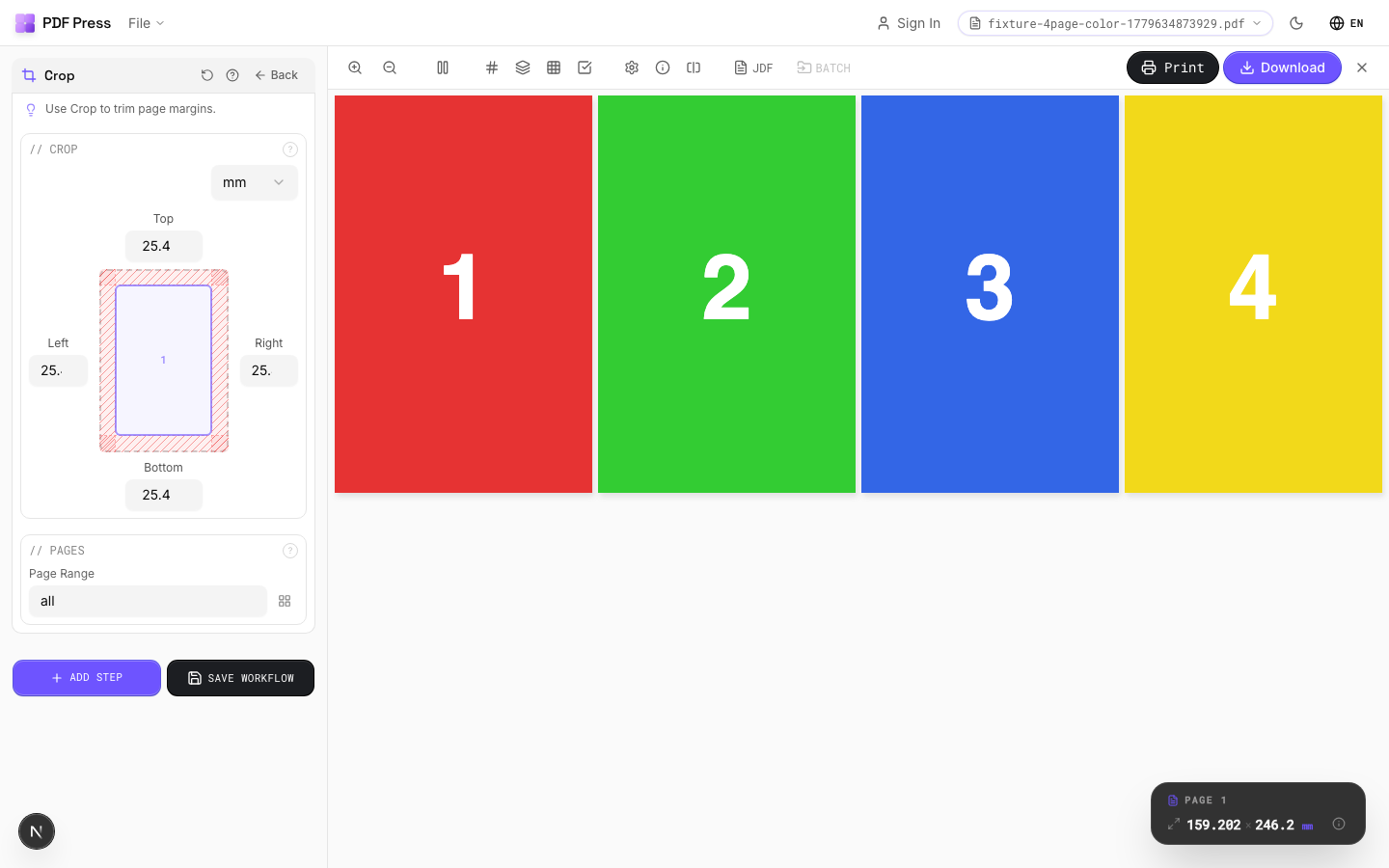
اقتصاص الصفحات tool applied. Options panel on the left, imposed result on the right. Click to zoom.
Options Guide
Crop
Set removal amounts for each edge: top, bottom, left, right.
Each value is subtracted from the corresponding page edge. Example: cropping 36pt (0.5in) from all sides on an A4 page (595×842pt) produces 523×770pt output. Use the same value on all sides to remove a uniform border. Different values per side let you trim asymmetrically (e.g., remove a binding margin from the left only).
Pages
Specify which pages to process using a range expression.
Examples: 'all' = every page. '1-5' = pages 1 through 5. '1,3,5' = specific pages. '1-10 odd' = odd pages 1-9. '2-20 even' = even pages 2-20. 'last' = last page. 'last-2' = third from last. Ranges are 1-based. Combine with commas: '1-5, 8, 12-15'.
Configurations & Variations
Cropped 1 Inch All Sides
Enter 72 pt (1 inch) in all four crop fields to remove a 1 inch border from every edge. The page shrinks by 2 inches in each dimension. Typical use: stripping unwanted margins, printer borders, or slug areas from production files before re-imposing.
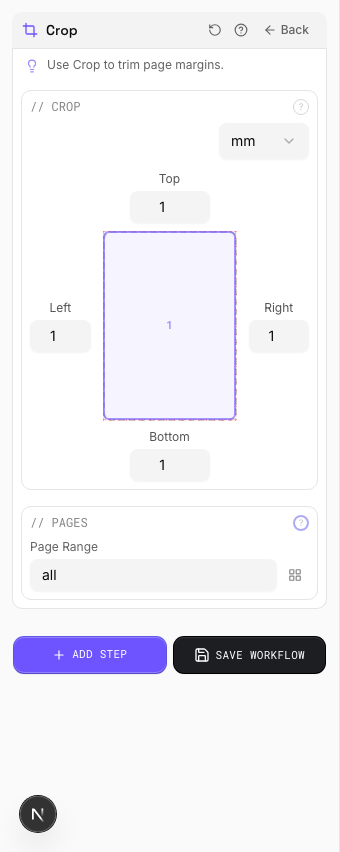
Settings to change
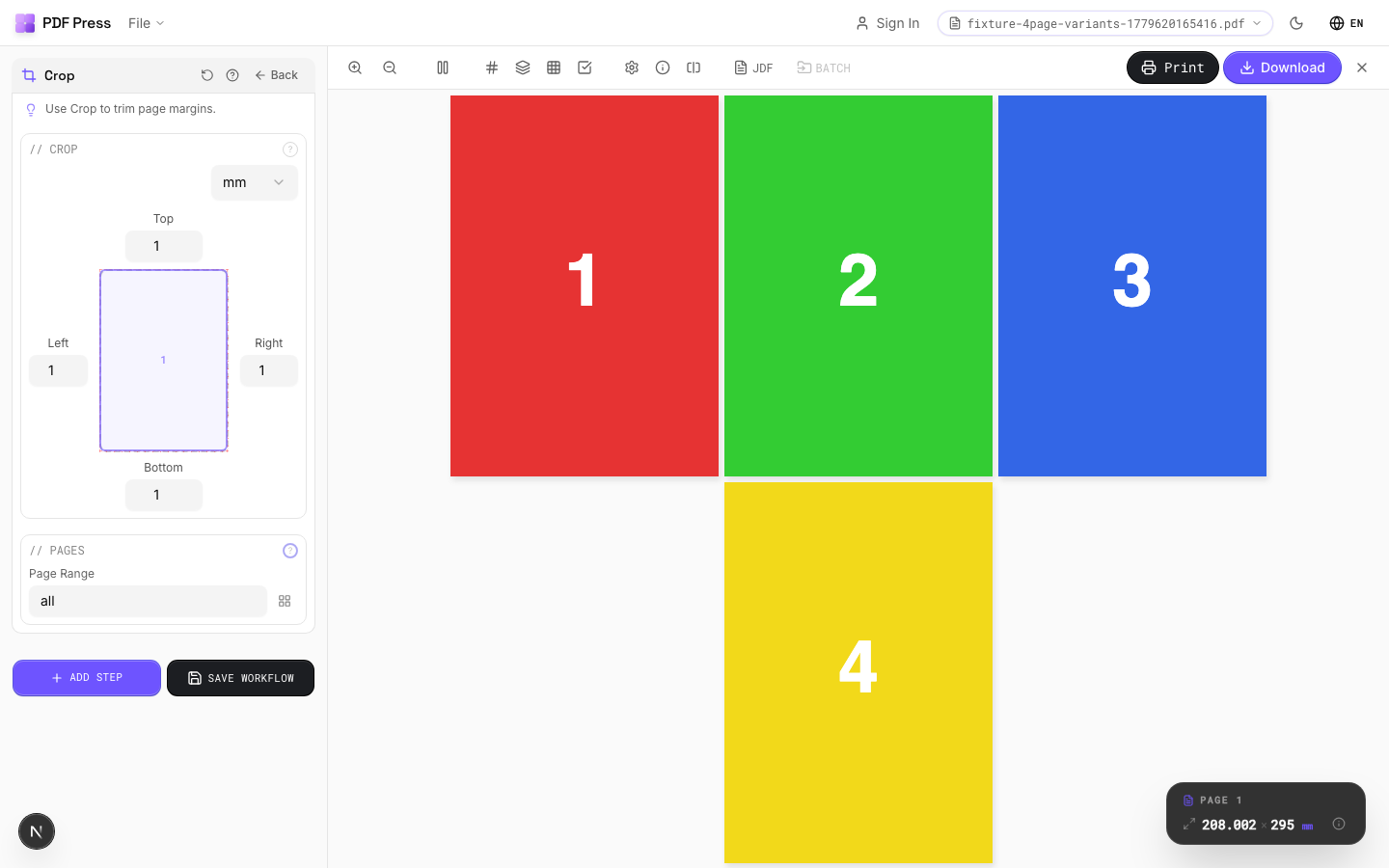
Full app view

Output result
Expert Tip
Crop to the TrimBox to strip printer marks and bleed before re-imposing. This gives you a clean starting point. Use the CropBox variant if you want to preserve marks for reference.
Cropping is destructive. If you crop too tight and lose the bleed, you cannot recover it without the original source file.
Try اقتصاص الصفحات in your browser
PDF Press runs entirely client-side. Upload a PDF, apply اقتصاص الصفحات, and download the result — no upload to a server, no sign-up required.
Open PDF Press